Speed-to-Lead: Why Your Response Time Is Killing Your Sales
If you don't respond to a lead within 5 minutes, your chance of closing drops by 80%. Here's the system that responds in 60 seconds - without hiring anyone.

AI & Web Consultant · April 12, 2026
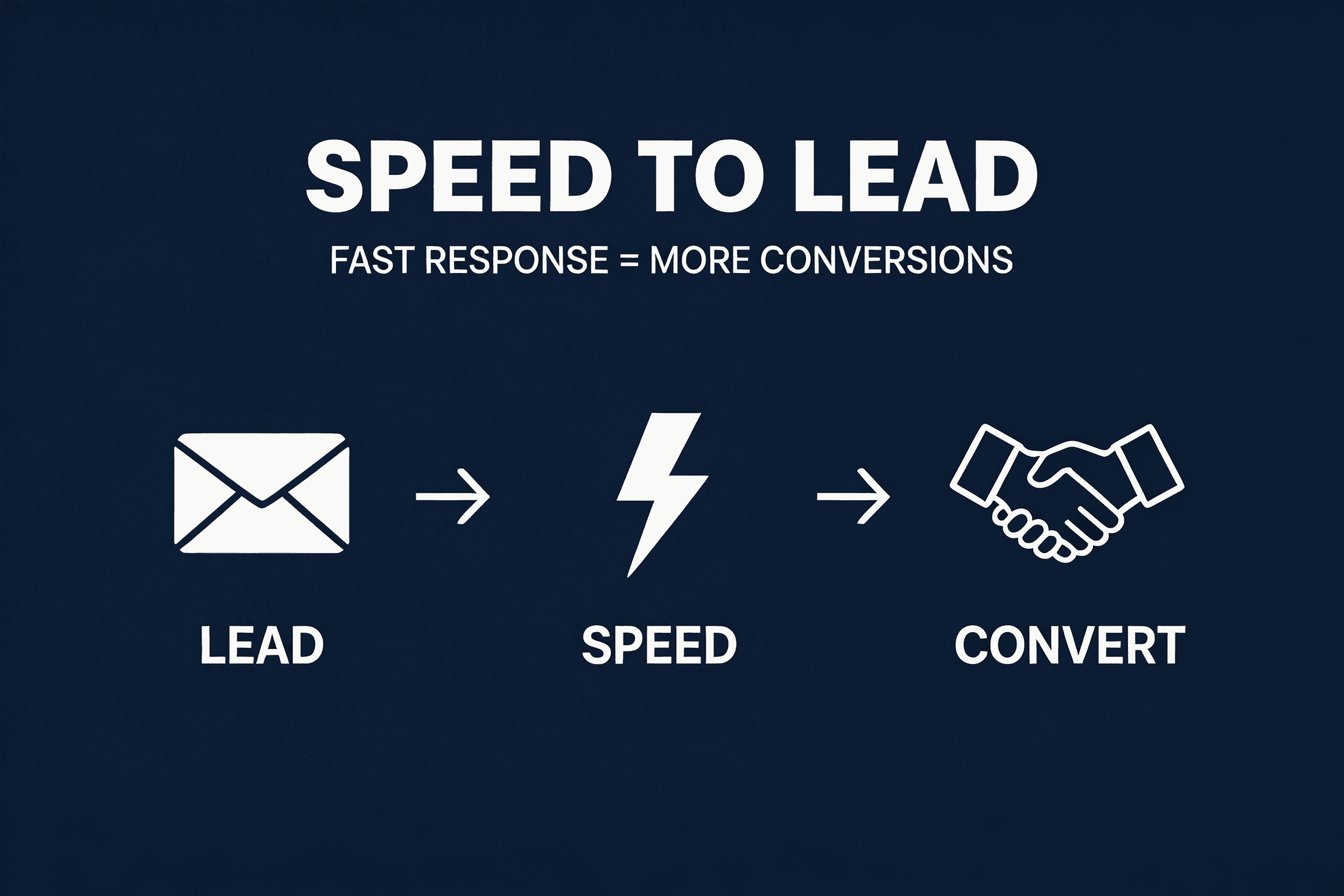
I had a client losing deals they should have been winning.
Good reputation. Fair pricing. Solid team. But their leads were going cold before anyone picked up the phone. Response time: 3-4 hours on a good day. Next morning on a bad one.
Their competitors? Under 30 minutes.
When we looked at the numbers, the answer was obvious. They didn't have a lead quality problem. They had a speed problem.
This guide breaks down why speed-to-lead matters more than almost anything else in your sales process, what the data actually says, and exactly how to build a system that responds in seconds instead of hours.
The 5-Minute Rule
There's a number that should scare every business owner who relies on inbound leads:
If you don't respond within 5 minutes, your chance of qualifying that lead drops by 80%.
That's not a made-up stat. It comes from a study by Lead Connect analyzing over 100,000 lead responses across industries.
More data points:
Think about what this means in practice. A lead fills out your form at 10am. You see it at 11:30am. You call at 2pm. By then, they've already talked to two competitors and probably said yes to one of them.
You lost that deal before you even knew it existed.
Why Most Businesses Are Too Slow
It's rarely laziness. It's usually one of these:
1. Leads Land in an Inbox Nobody Checks A form submission goes to info@company.com. Three people have access. Nobody owns it. The lead sits there for hours.
2. Manual Qualification Takes Time Someone has to read the lead, decide if it's worth pursuing, figure out pricing, write a response. That's 20-30 minutes per lead on a good day.
3. The Team Is Busy Doing Their Actual Job Your sales person is also your account manager, also your project lead. Responding to new leads always loses priority to existing clients.
4. There's No System - Just People If your lead response depends on a specific person being available, checking their email, and feeling motivated - you don't have a process. You have a prayer.
The pattern: Most service businesses handle leads the same way they handled them 10 years ago. Manually. Slowly. Inconsistently. The difference is that 10 years ago, the competition was just as slow. Today, they're not.
What a Speed-to-Lead System Actually Looks Like
Here's the system I built for an HVAC company that was losing deals to faster competitors. The same architecture works for any service business that receives inbound leads.
Step 1: Lead Comes In
A prospect fills out a form, sends an inquiry, or requests a quote. This could come from your website, Google Ads, a directory listing, social media - anywhere.
Step 2: Instant Qualification (0-10 seconds)
Before any human touches it, the system checks the lead against your criteria:
- Is this the right service area / location?
- Is the project size within your range?
- Does this match your ideal customer profile?
Bad leads get filtered out automatically. No more wasting time on leads you were never going to close.
Step 3: Personalized Response (30-60 seconds)
The qualified lead gets an automated response that looks and feels human:
- A personalized price estimate or range based on what they submitted
- Acknowledgment of their specific request (not a generic "thanks for reaching out")
- Clear next step ("I'll call you within the next day or two to discuss details")
This is where most people panic: "But automated responses feel robotic!" Not if you build them right. The key is using the information the lead gave you to make it specific.
Generic (bad): "Thanks for your inquiry. Someone will be in touch shortly."
Specific (good): "Hey, thanks for reaching out about your heat pump installation. Based on what you described, you're looking at roughly $4,200-$5,800 depending on the unit. I'll give you a call tomorrow to go through the options."
Step 4: SMS Follow-Up (60-90 seconds)
Right after the email/response, the lead gets a text: "Hey, I just sent over the estimate for your project. I'll call you in the next day or two to walk through everything."
Why SMS? Because email open rates are 20-30%. SMS open rates are 98%. You want them to actually see your response.
Step 5: CRM Pipeline (automatic)
The qualified lead lands in your CRM with all the context: - What they asked for - What estimate was sent - When to follow up - Lead score / priority
Your team opens the CRM in the morning and sees a prioritized list of warm leads who already received a price estimate and are expecting a call. No cold calling. No guesswork. Just closing.
The Results
Here's what changed for the HVAC client after implementing this system:
Before: - Average response time: 3-4 hours - Team spent 2+ hours/day qualifying and responding to leads manually - Roughly 60% of leads went cold before first contact - Close rate: low
After: - Average response time: under 60 seconds - Bad leads filtered automatically - team only sees qualified prospects - Leads arrive in CRM pre-priced, pre-qualified, ready to close - Close rate: significantly higher - No additional hires
The team stopped chasing leads and started closing them. The system handles the speed. Humans handle the relationship.
How to Build This for Your Business
Option 1: The Simple Version (start here)
If you're getting fewer than 20 leads/month, you don't need a complex system. Start with:
- 1Instant email autoresponder - set up in your form tool (Typeform, Tally, Google Forms, or your website CMS). Make it specific, not generic.
- 2SMS notification to yourself - use Zapier or Make to text you whenever a new lead comes in. Respond personally within 5 minutes.
- 3A simple CRM - even a spreadsheet works at low volume. The point is: no lead falls through the cracks.
This alone puts you ahead of 90% of competitors.
Option 2: The Automated Version
When you're getting 20+ leads/month and can't personally respond to each one in 5 minutes:
- 1Form with qualification questions - ask the right questions upfront so the system can filter and price automatically
- 2Automation platform - n8n, Make, or Zapier to connect form -> qualification logic -> email -> SMS -> CRM
- 3Dynamic pricing logic - rules that generate a price range based on form inputs (service type, size, location)
- 4CRM with pipeline stages - HubSpot (free), Pipedrive, or Close for managing the follow-up
- 5SMS integration - Twilio, MessageBird, or your CRM's built-in SMS
Option 3: The Full System (hire someone to build it)
When leads are your lifeblood and speed directly impacts revenue:
- Custom-built qualification and pricing engine
- AI-powered response generation (personalized to each lead)
- Multi-channel follow-up (email + SMS + potentially WhatsApp)
- CRM integration with full pipeline automation
- Reporting dashboard showing response times, conversion rates, lead quality
- Ongoing optimization and maintenance
This is what I build for clients. The system pays for itself within the first month if your deal sizes are above $2,000.
The Speed-to-Lead Audit
Run through these questions for your own business:
- 1How long does it take you to respond to a new lead right now? Time it honestly. Include weekends and after-hours.
- 1Who is responsible for responding? If the answer is "whoever sees it first" - that's a problem.
- 1What happens to leads that come in at night or on weekends? If the answer is "they wait until Monday" - you're losing 40% of your weekly leads to competitors.
- 1Do you know your close rate for leads responded to in 5 min vs 1 hour vs next day? If you don't track this, start. The difference will shock you.
- 1How many leads from last month fell through the cracks? Check your inbox. Count the inquiries you never followed up on. That's revenue you left on the table.
If you answered "I don't know" to more than 2 of these questions, you're losing deals right now. Not because your service is bad or your pricing is wrong. Because someone else got there first.
Copy-Paste Templates
These are ready to use. Swap your company name, service, and numbers. Set them up in your automation tool and you have a basic speed-to-lead system running today.
Email Auto-Response Templates
For trades / home services:
Subject: Your [service] estimate from [Company]
Hey [First Name],
Thanks for reaching out about [service type]. Based on what you described, you're looking at roughly [price range] depending on [variable - unit size, scope, etc.].
I'll give you a call in the next day or two to walk through the options and answer any questions.
In the meantime, here's what to expect: [one sentence about your process].
Talk soon, [Your name] [Company] [Phone]
For agencies / professional services:
Subject: Re: your inquiry about [service]
Hey [First Name],
Got your message about [specific thing they asked about]. Good timing - this is exactly what we help [their industry] companies with.
Based on what you've described, here's what a typical engagement looks like: [1-2 sentences about scope, timeline, or approach].
I'd love to jump on a quick call to dig into the details. I'll reach out in the next day or two, but if you want to grab a time sooner, here's my calendar: [link].
[Your name]
For e-commerce / SaaS:
Subject: Quick question about your [product/project] needs
Hey [First Name],
Thanks for your interest in [product/service]. I saw you're looking at [specific thing from their form submission].
A few quick thoughts: [1-2 lines of relevant, specific value].
Want to hop on a 15-minute call this week? Here's my calendar: [link]. Or just reply to this email and I'll get back to you within a few hours.
[Your name]
SMS Follow-Up Templates
Send these 30-60 seconds after the email. Keep them short - SMS isn't email.
Template 1 (trades): "Hey [First Name], it's [Your name] from [Company]. Just sent you an estimate for your [service] project. I'll call you in the next day or two to go through everything. Reply here if you have any quick questions!"
Template 2 (agencies): "Hey [First Name] - [Your name] here from [Company]. Just sent you an email about your [project type]. Let me know if you'd rather chat by phone - happy to jump on a quick call."
Template 3 (general): "Hi [First Name], [Your name] from [Company]. Just sent you the details you requested. I'll follow up in a day or two. Feel free to text me here if anything comes up."
Lead Qualification Questions
Add these to your intake form to auto-qualify before the system responds. 3-5 questions max - more than that kills conversion:
For trades: 1. What service do you need? [dropdown] 2. What's your zip code / location? 3. When do you need this done? [ASAP / This month / Just exploring] 4. Estimated budget range? [dropdown with ranges]
For agencies / services: 1. What do you need help with? [dropdown] 2. Company size? [1-10 / 11-50 / 51-200 / 200+] 3. Timeline? [This month / This quarter / Just researching] 4. Current monthly budget for this? [dropdown with ranges]
Disqualification rules (filter these out automatically): - Location outside your service area - Budget below your minimum - Timeline = "Just exploring" (nurture sequence instead of sales response) - Missing required fields (form wasn't filled out seriously)
Speed Is a System, Not a Person
The biggest mistake I see is trying to solve speed with motivation. "We just need to be faster." "I'll start checking my email more." "Let's hire someone to handle leads."
That doesn't work. People get busy. People go on vacation. People have bad days.
Speed-to-lead isn't a behavior change. It's a system. Build the system once, and it runs whether you're at your desk or on a beach.
The companies that win in 2026 aren't the ones with the biggest ad budget or the fanciest website. They're the ones who respond first.
Every time.
The Speed-to-Lead System
The full system: copy-paste email and SMS templates, lead qualification framework, and the automation blueprint. Enter your email and I'll send you the direct link.
Want help implementing this?
I help B2B companies implement AI solutions that actually move metrics, not science projects. If this guide resonated, let's talk about what it looks like for your business.
Get in touch